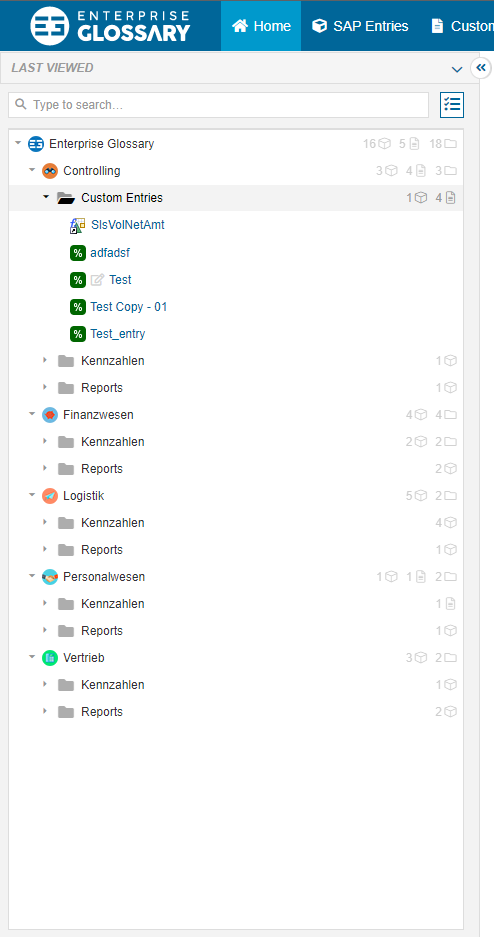
The sidepanel offers the user the possibility to display and structure the entities in folders in a treeview. This way it is possible to group related objects or objects of different departments and to access important or often used objects faster.
Directory Interactions
Folder
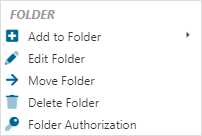
Add to Folder
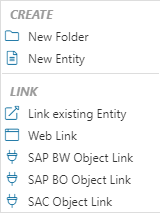
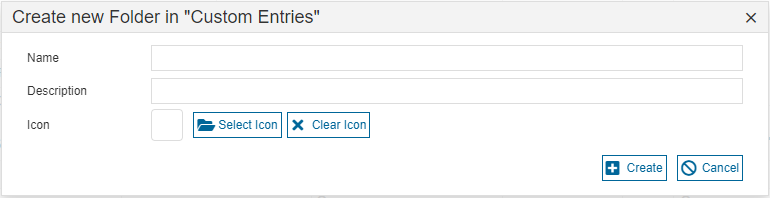
It is possible to create a new folder or a new custom entity in the existing folder. When creating a new folder, it is possible to give it a name, a description and an icon.
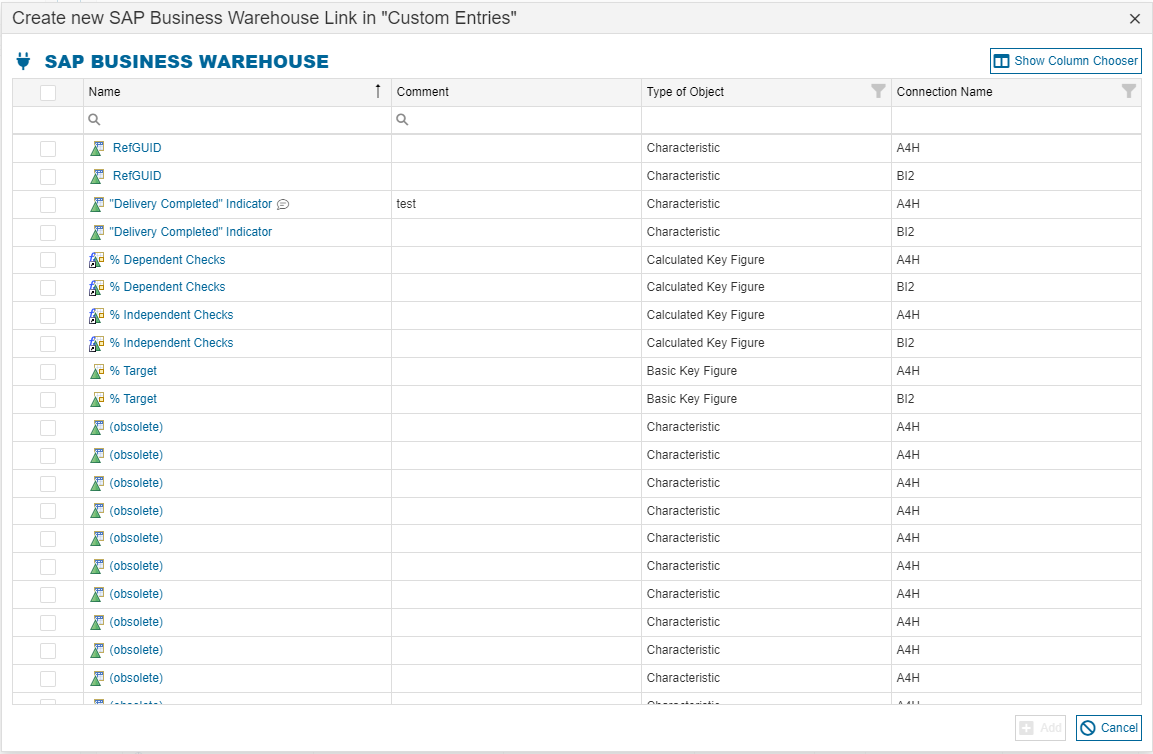
It is also possible to link an existing custom entity or an SAP entity. One or more entities can be selected out of a list at once.
It is also possible to assign an entity to a folder when publishing it.
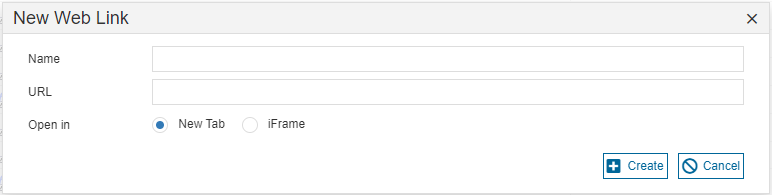
A website can also be linked in the folder. The link can be opened in a new tab or an iFrame in the Enterprise Glossary.
Edit Folder
When editing a folder, the folder can be renamed, the description and the icon can be changed.
Move Folder
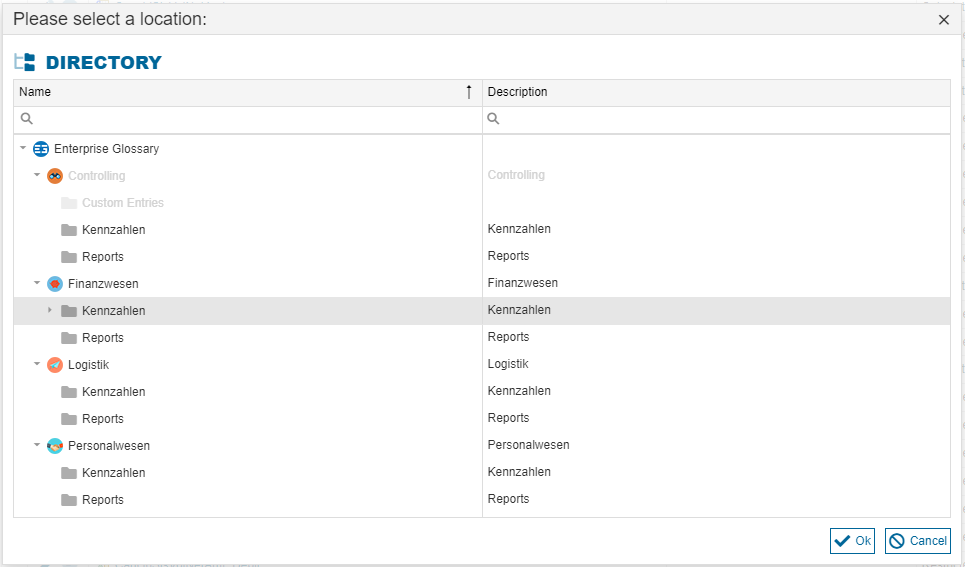
The folder can be moved to a new location. The new location can be selected in the pop-up
Delete Folder
The folder can be deleted. When the folder is deleted, the entities in the folder will still exist in the Enterprise Glossary, but the link to them in the sidebar will be removed.
Folder Authorizations
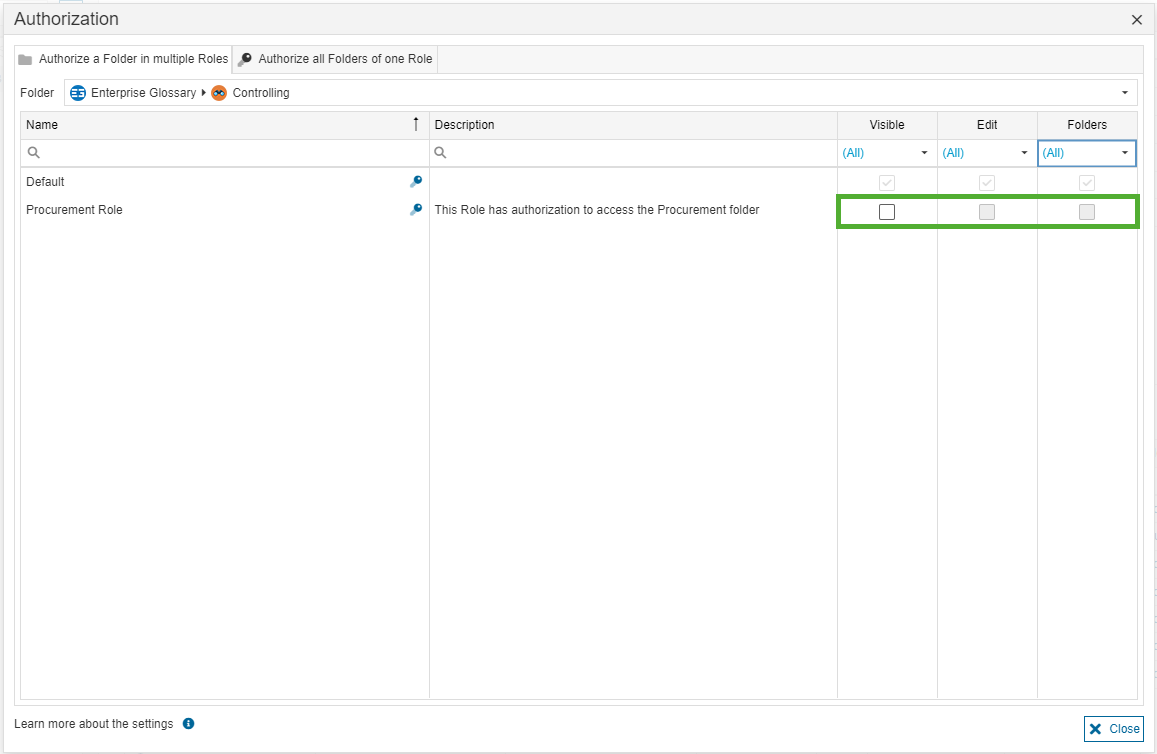
You can authorize a role to access the folder. In the appearing pop-up, you can authorize the roles to see or edit the folders or revoke the authorization.
Entities
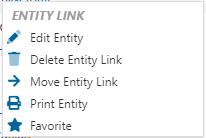
For entities, it is possible to edit, delete, move or print them or add them to your favorites.
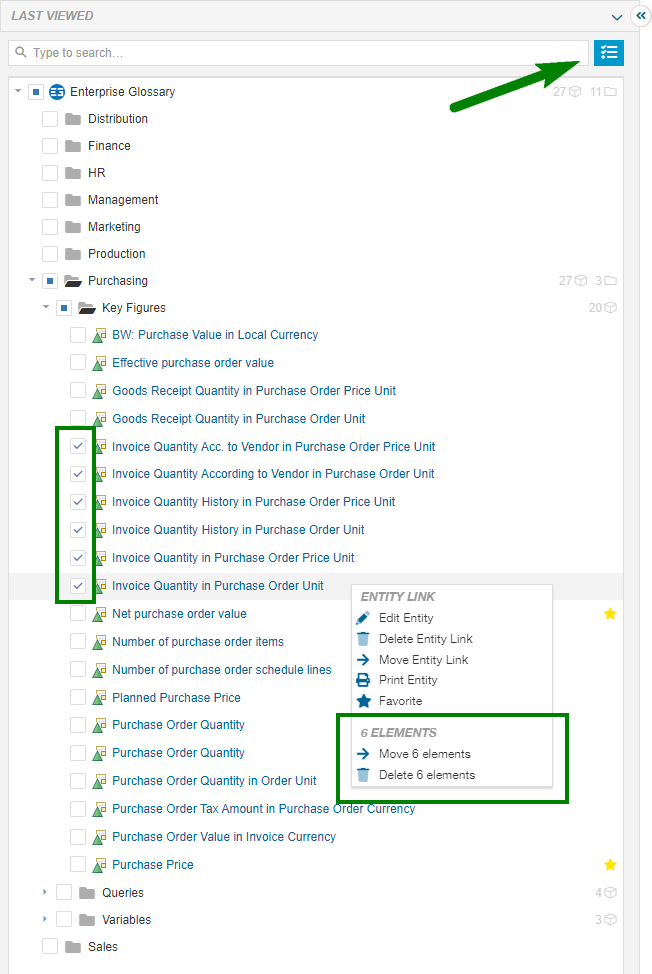
Select multiple elements
It is possible to select multiple items in the directory by clicking the button next to the search bar. This allows you to select multiple items via a checkbox. The context menu will then offer options to move or delete the selected items.