

When publishing a new version of an entry, the old versions are not lost. They can still be viewed in the version overview, which can be opened by clicking the version button in an open entity.
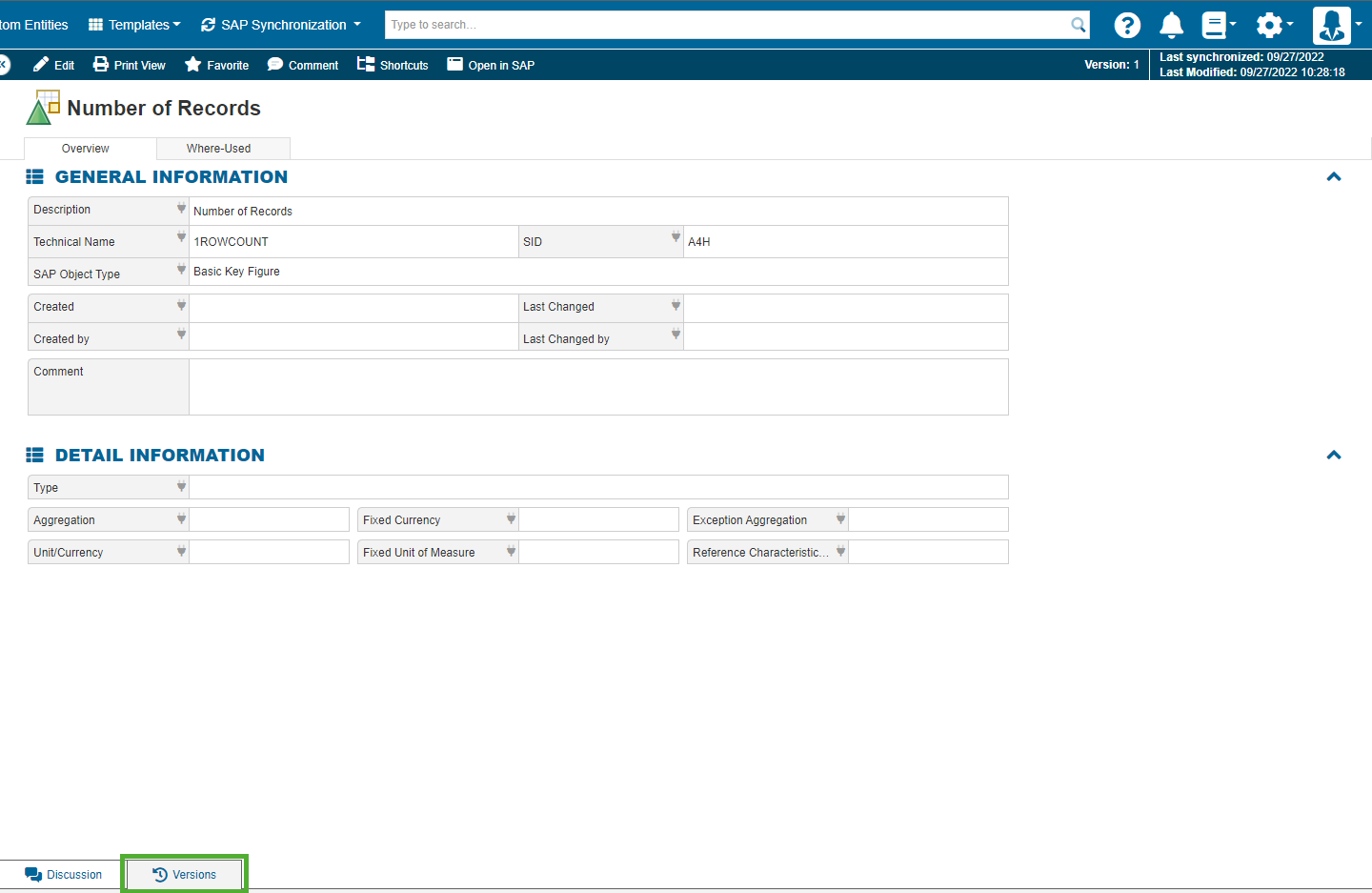
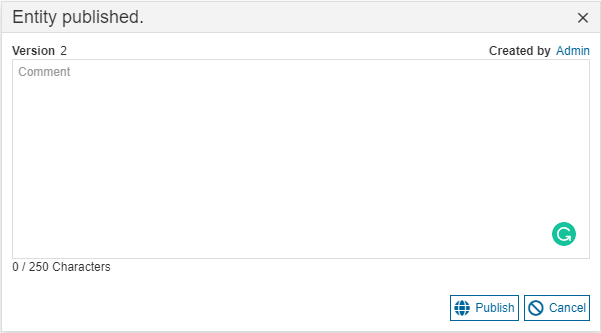
When publishing a new version of an entity, the change can be commented on by the author, to explain the change. In the settings, the explanation of the change can be made mandatory.
In the version overview, the older versions can be accessed by clicking on them. The version number, creation date, creator and the comment explaining the change can be seen.
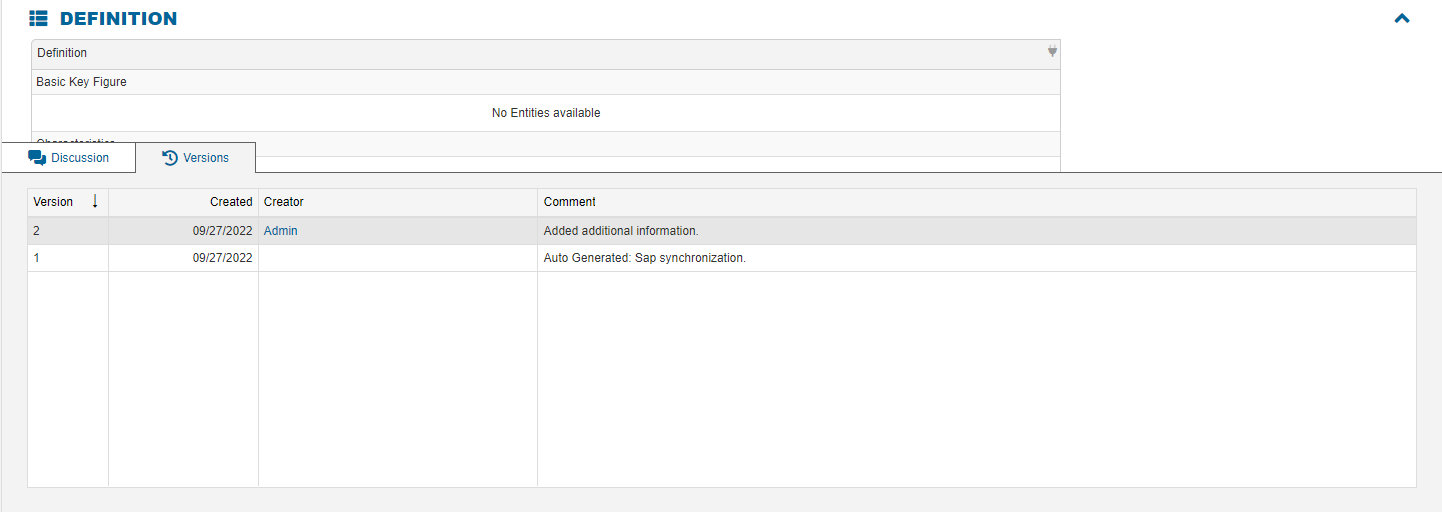
New versions of entities will also be created when publishing a new version of the template an entity is based on, or in the case of an SAP entity during the synchronization job.