

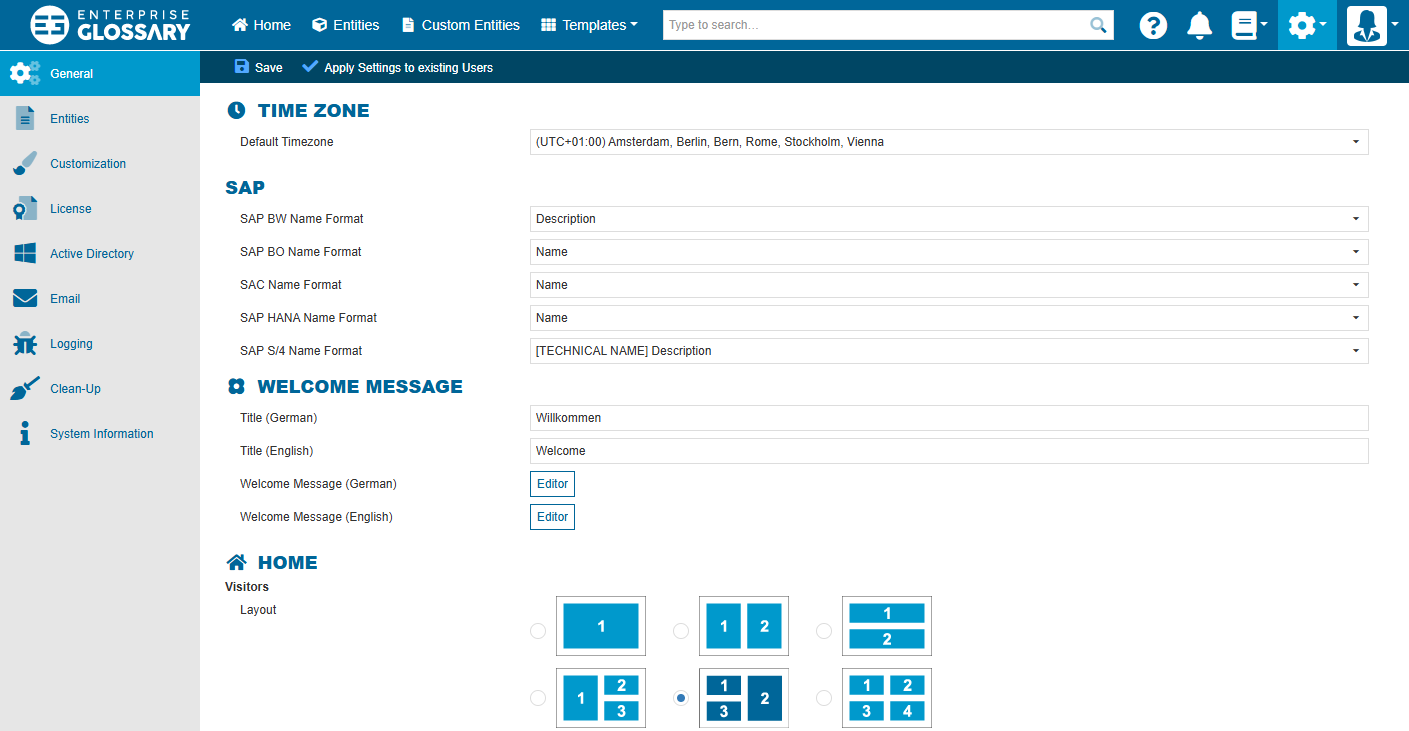
Admins have the rights to change the settings of the application. A user with admin rights can:
-
Set the default time zone, SAP name format and home page layout for new users. Each user can then set different settings in their profile, if necessary.
-
Edit the welcome message in german and english.
-
Enable or disable Entity version comment and discussions.
-
Customize the appearance of the application.
-
Load licences and view license information.
-
Connect Active Directories for Single Sign-On.
-
Maintain settings for emails send by the application.
-
Define and execute a clean-up job to reduce the number of Entitiy versions.
-
View system information like the current version and the used database.
-
Set up connections and synchronization jobs for SAP and Power BI systems.
-
Schedule and execute synchronization jobs.