

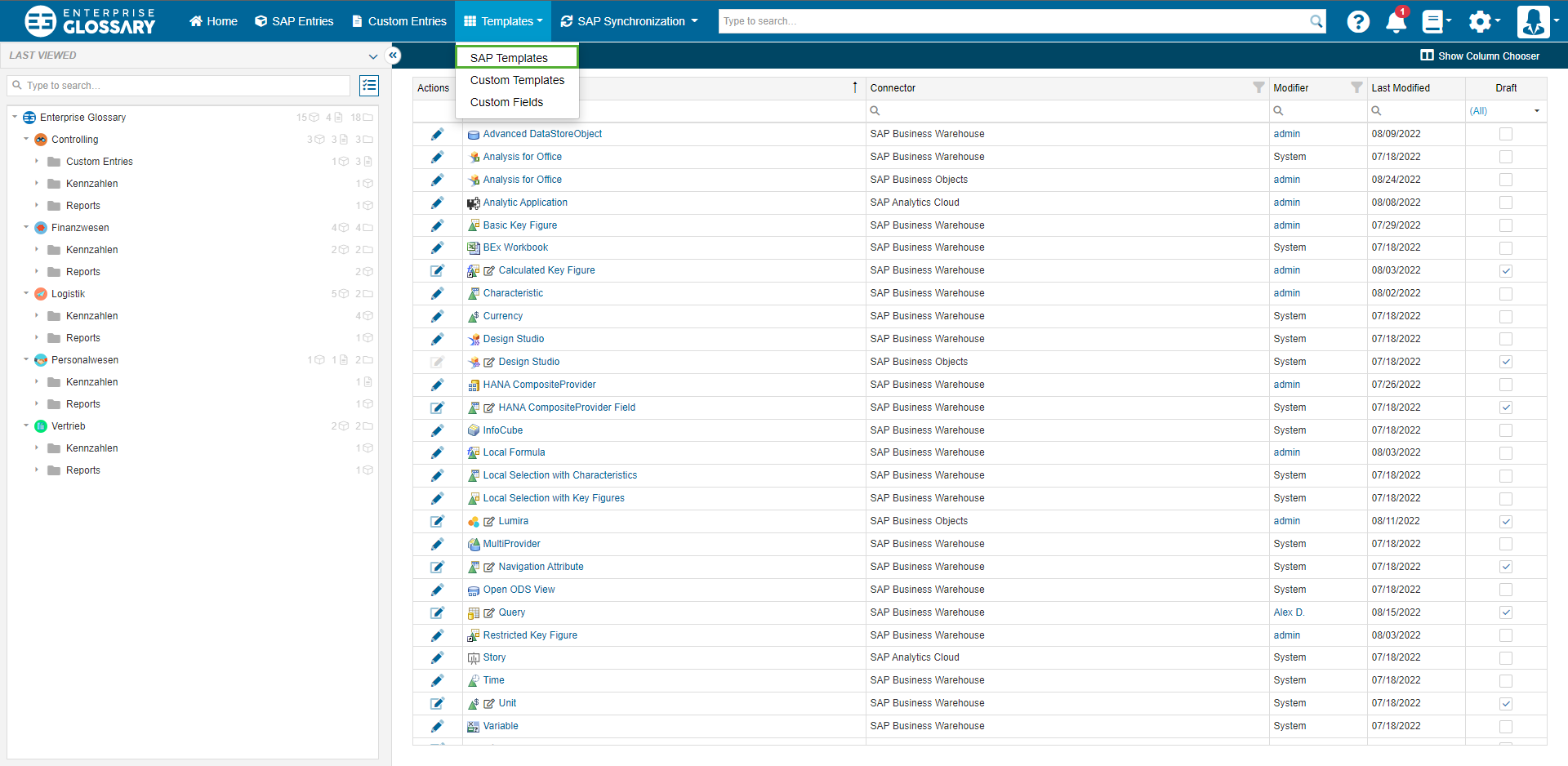
Templates are the base for Entities and determine their layout and content. There is a predefined Template for every object type, that can be modified using Fields and Custom Fields.
Edit
Templates can be edited by clicking Edit in the table column of the respective Template.

Tabs
Tabs are like different pages in a Template. You can structure your Templates thematically by adding new Tabs. When adding a new tab, it can be named to signal what kind of information can be found in it.
Categories
In a tab, you can further structure your template with categories. The categories are groups of fields.
Fields
Templates can be customized using Fields and Custom Fields. The availability of Fields for use is contingent upon the specific object type associated with the Template.
You can add Fields by dragging them out of the list on the left and dropping them into the layout. You can also move and remove them by dragging and dropping. The size of the Fields can be set by dragging the edges to the desired height or width.