

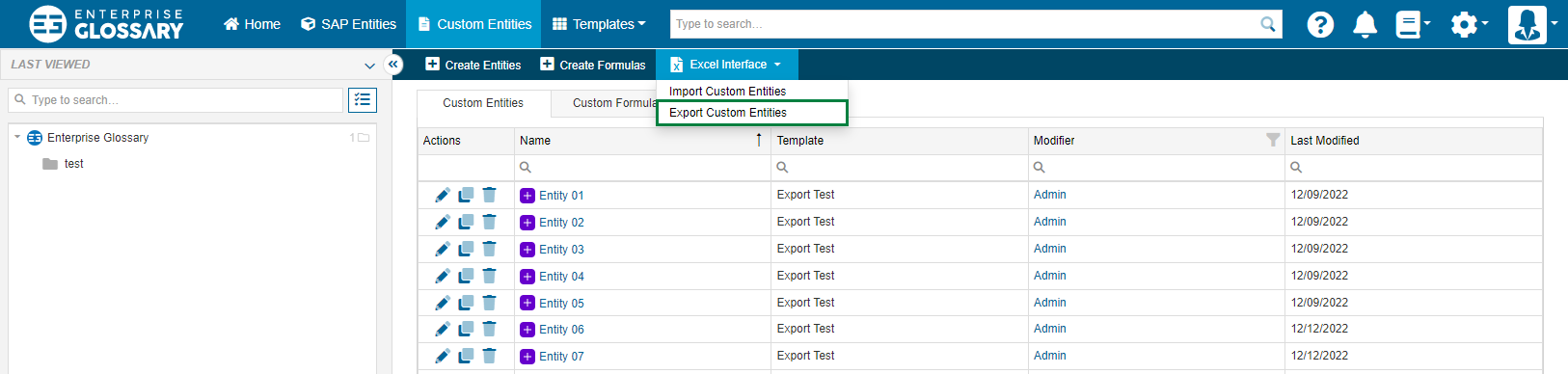
Mutiple Custom Entities of the same Template can be exported into an Excel file. Go to Custom Entities > Excel interface > Export Custom Entities to open a dialog where you first select the Template and then the Entities based on it for export.
At first, select the Template of the Entities that you want to export to Excel. Then you can select the actual Entities that you want to export.
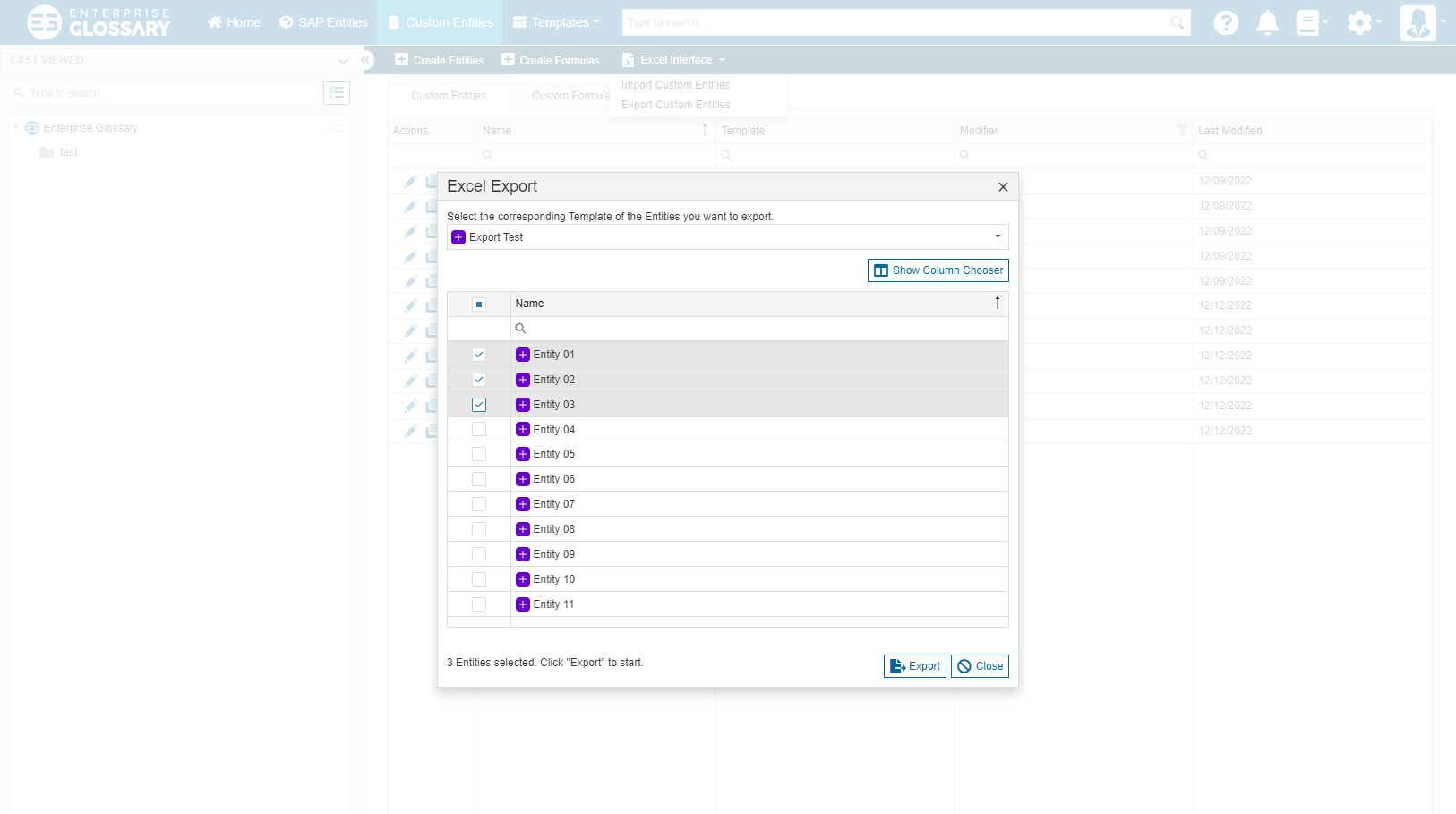
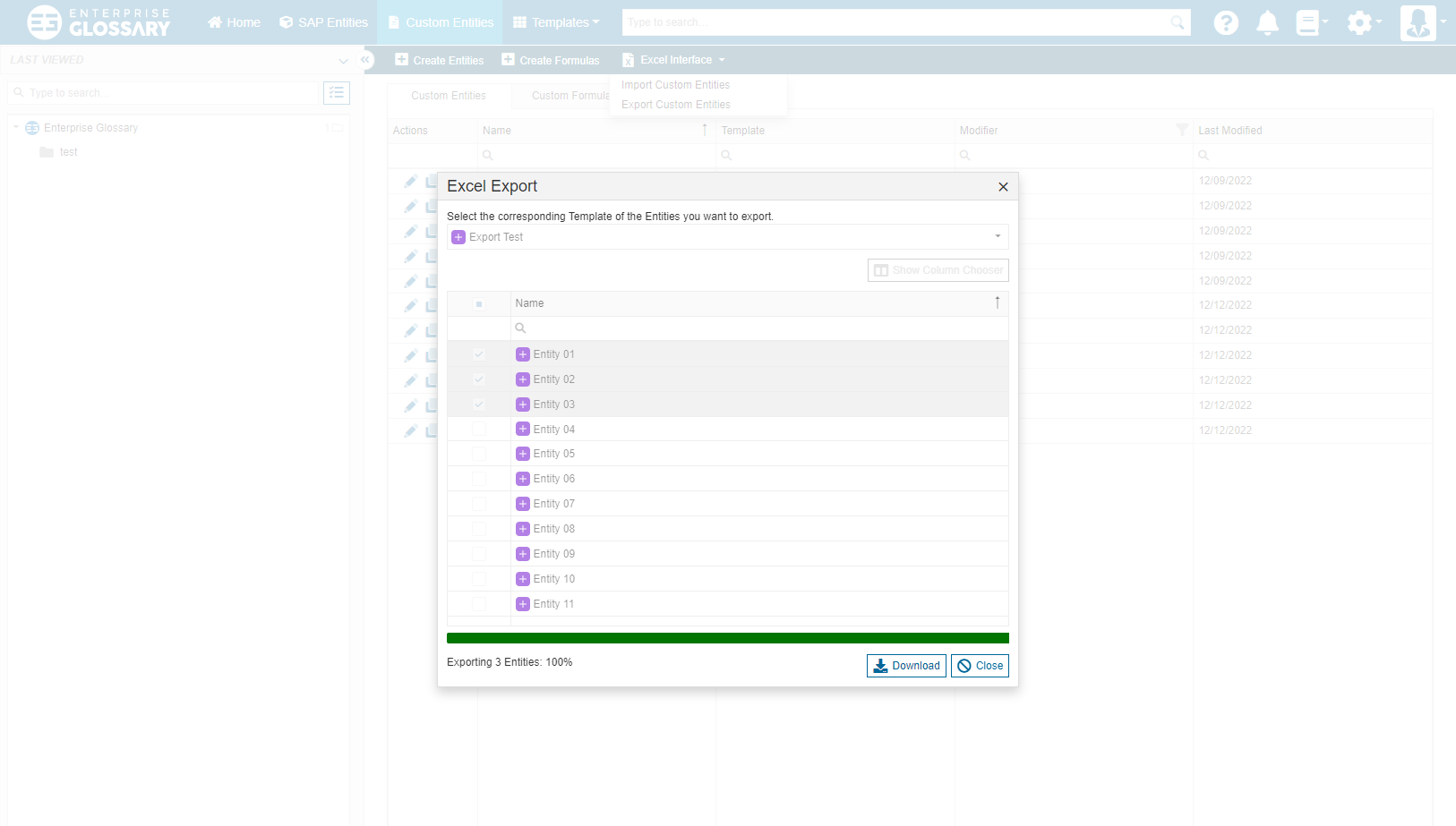
Clicking “Export” will start the actual export and create the Excel file. When the export is complete, the Excel file can be downloaded from the popup.
Exporting content of Rich Text fields will ignore all formatting and content other than text.
Although formulas can be exported, it is not possible to import them again.