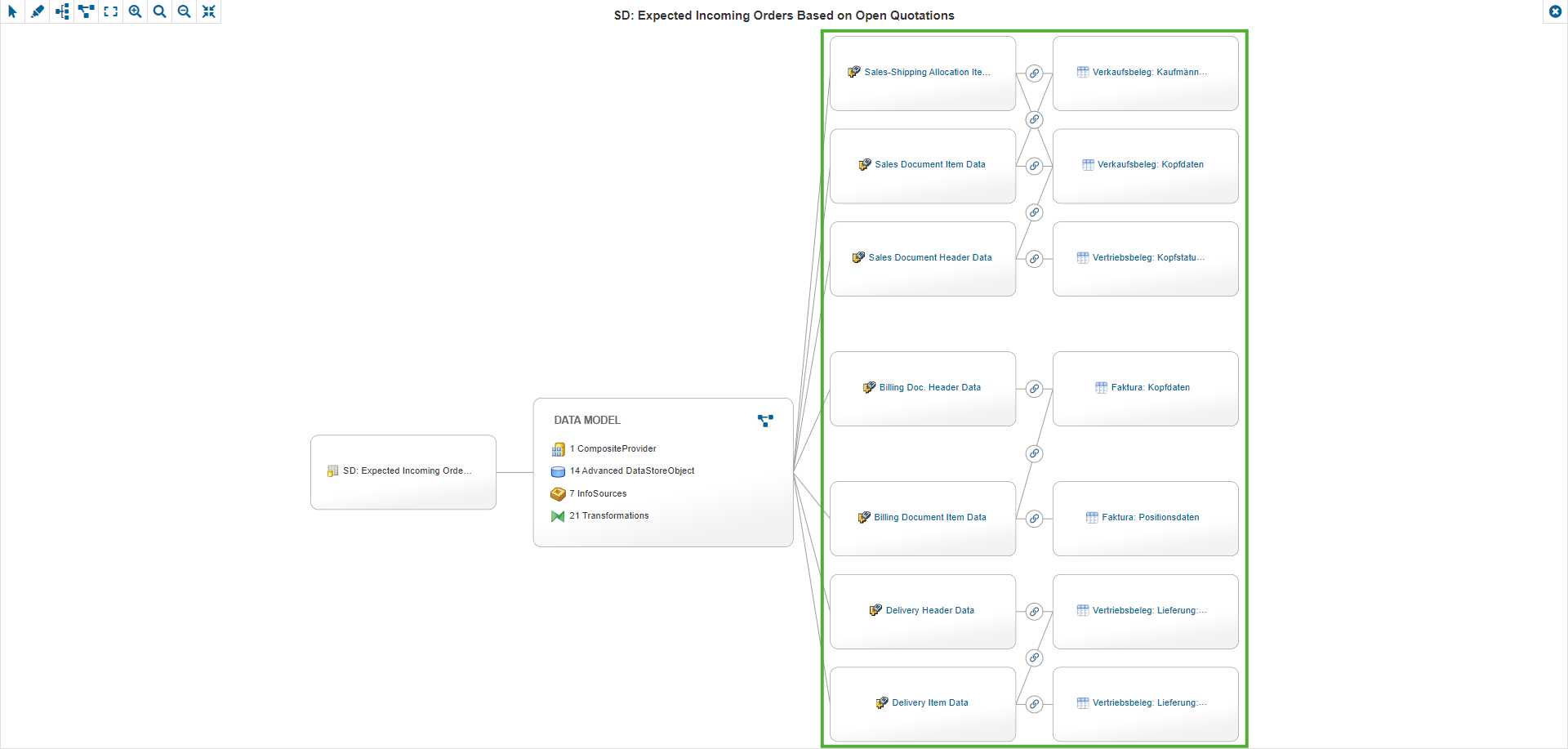
From version 2023.2 on it is possible to access a tab to display Data Lineage as a Data Flow.
Supported Object Types
Data Lineage can be displayed for the following object types:
SAP BW:
-
Queries
-
Calculated Key Figures
-
Restricted Key Figures
SAC:
-
Stories
-
Analytic Applications
If you do not see a tab for the Data Lineage, you might have to add the tab in the corresponding SAP Template.
Navigation in the Data Flow
Compressed View
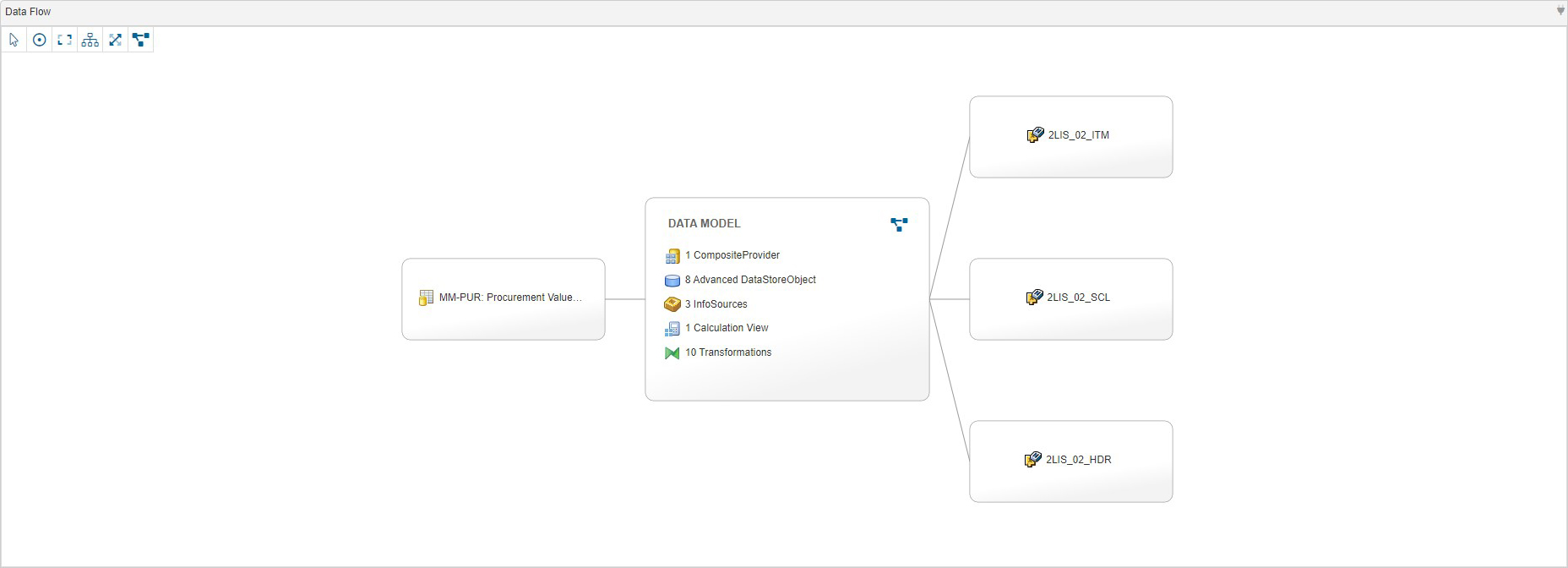
Initially, the Data Flow is displayed in a compressed view where elements between the start and end points are listed in a summary.
Expanded View
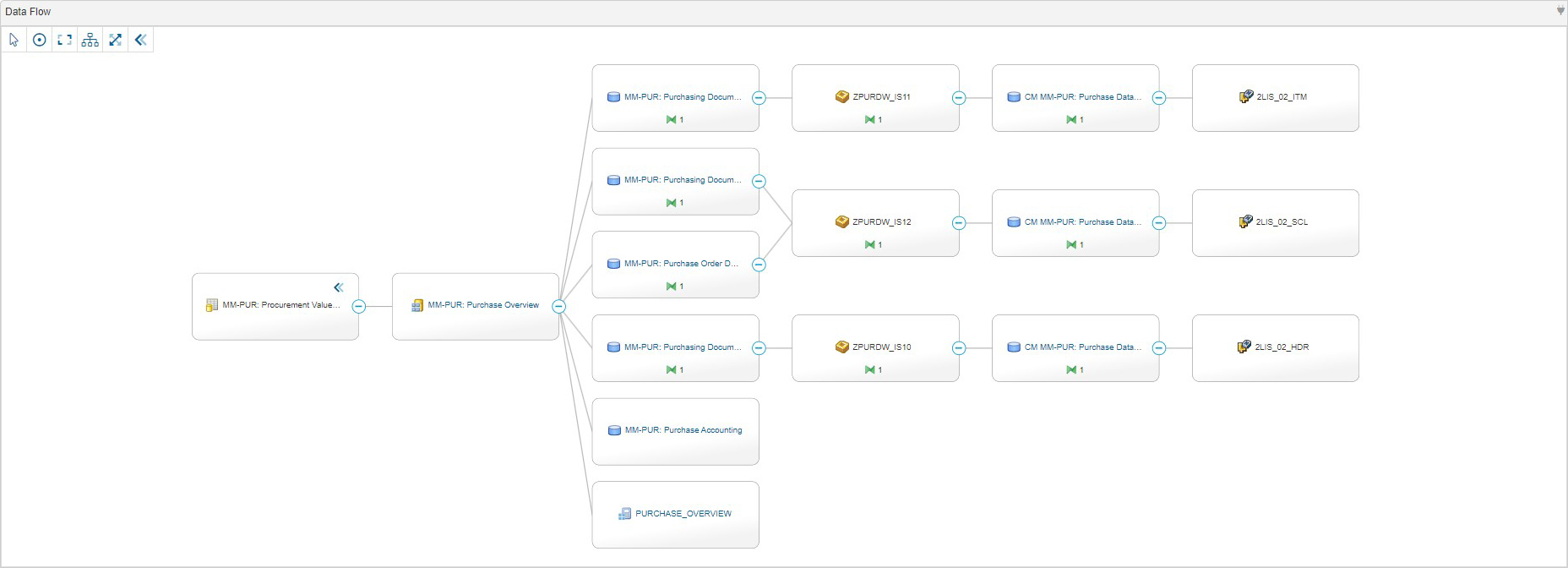
You can expand the view to display all the elements of the Data Flow.
Controls

|
Use this control to select and move elements in the Data Flow. |

|
Use this control to center the Data Flow. |

|
Use this control to fit the Data Flow in the available space. |

|
Use this control to change the display of the Data Flow to a vertical orientation. |

|
Use this control to change the display of the Data Flow to a horizontal orientation. |

|
Use this control to enter the fullscreen mode. |

|
Use this control to exit the fullscreen mode. |

|
Use this control to display the expanded view of the Data Flow. |

|
Use this control to display the compressed view of the Data Flow. |
Stitching
The Data Lineage can be manually expanded with SAP and Custom Entities via Linked Entities.