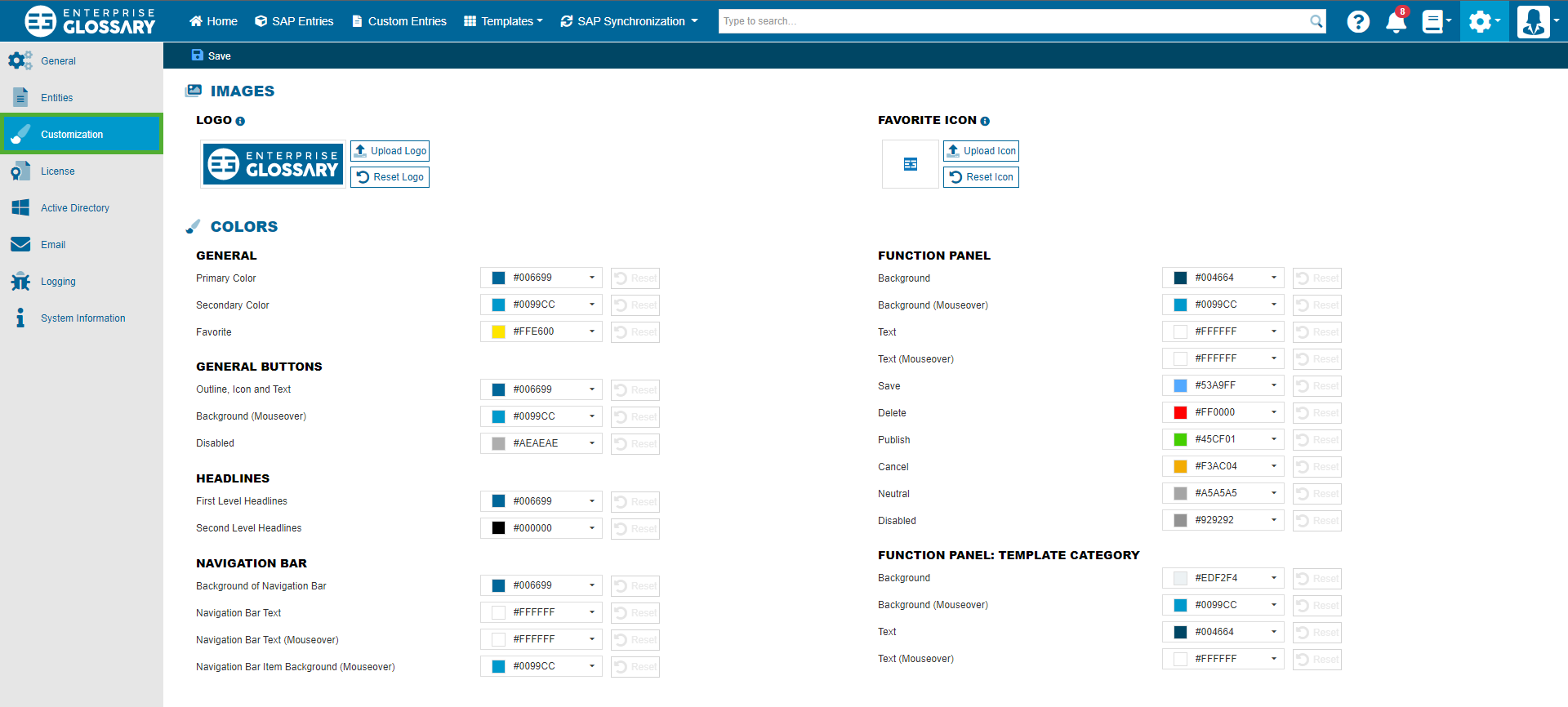
In customization, the appearance of the Enterprise Glossary can be adjusted by changing icons and logos as well as colors.
Logo
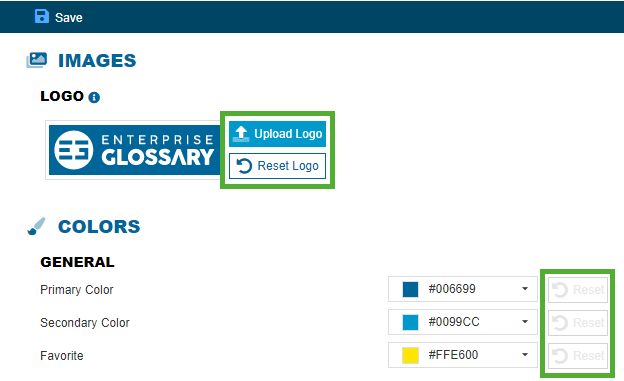
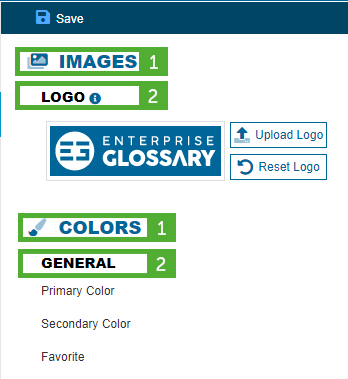
The logo will be displayed in the navigation bar and when you log in. You can upload images in the formats JPG and PNG with a maximum file size of 1 MB. To change the logo click the Upload Logo button and select your logo. After it is uploaded, click the Save button.

Favorite Icon
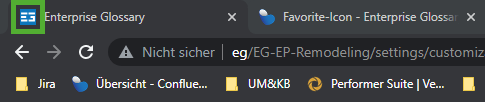
The favorite icon is displayed in the title bar of the browser. You can upload images in the formats ICO and PNG with a maximum file size of 625 KB. To change the logo click the Upload Icon button and select your icon. After it is uploaded, click the Save button.
Function Panel
In the function panel different functions like save, delete and publish are displayed with an icon and text as well as mouseover effects. You can change the color of these and the background of the panel in the settings here.

General Buttons
The colors of the general buttons can be changed for every state (without interaction, mouseover and disabled).
Headlines
The color of first level and second level headlines can be changed here.
Function Panel: Template Category
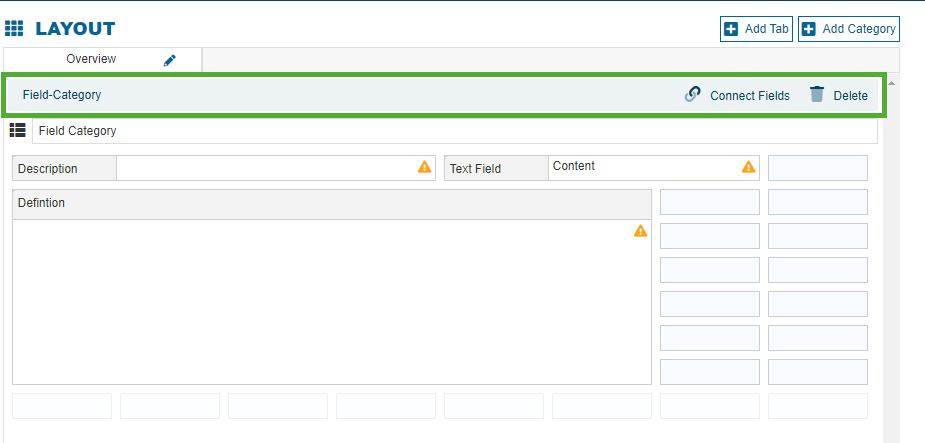
The colors of the template category headers can be changed here.