

In the entity settings, adjustments can be made regarding the global key, version comments and discussions on entities.
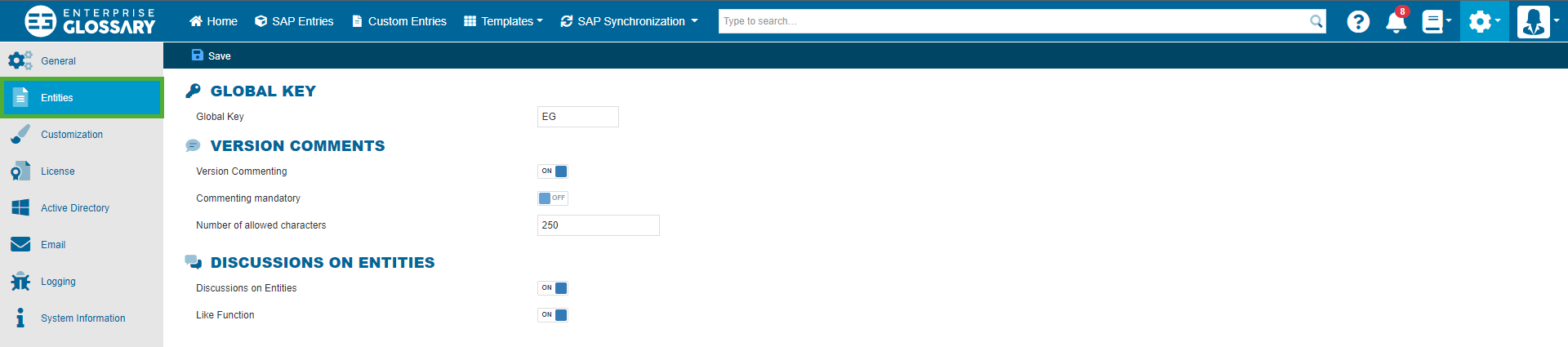
Global Key
The global key is the first part of the Entity key that allows you to identify each Entity in the glossary. Choose a key that represents your entire glossary, or use the default key.

Entity keys consist of the global key, an optional template key and an incremental number.
Version Comments
Version comments can be added when publishing a new or recently changed entity and can be viewed in the version overview of the entity. They can be used to explain the changes.
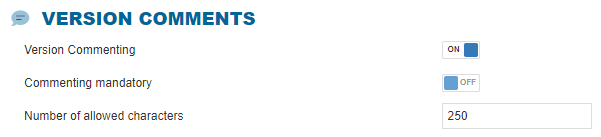
In this area, you can adjust if Version Commenting should be active, and if it is active, you can make it mandatory and limit the number of allowed characters.
Discussion on Entities
The discussion area allows for general commenting on Entities and provides a forum-style way for users to exchange ideas within the application.
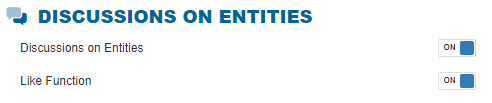
You can activate or deactivate the discussion and the like function in the discussion.