

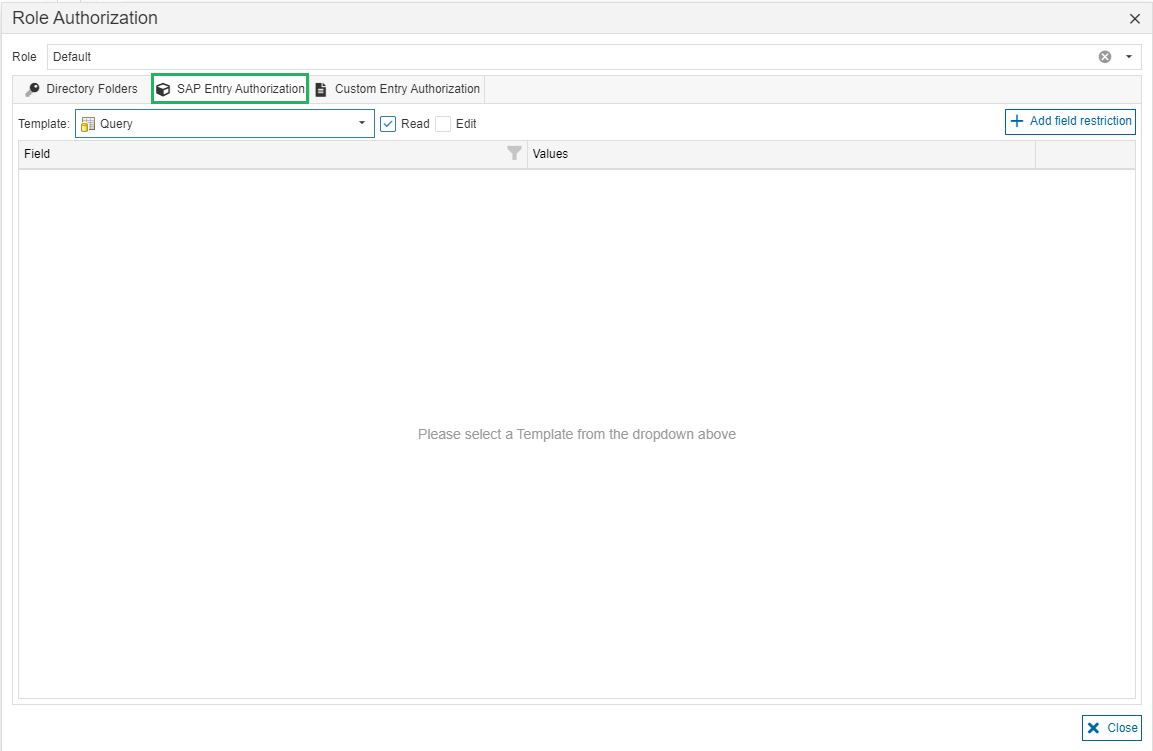
Settings in this tab define which SAP Entities a user can read (open) and edit. This can be defined for each SAP Template individually.
-
Read: If the checkbox “Read” is selected and no field restrictions are added, the role allows the user to read (open) all entities of the selected SAP Template.
-
Edit: If the checkbox “Edit” is selected and no field restrictions are added, the role allows the user to read (open) and edit all entities of the selected SAP Template.
-
Add field restrictions: If field restrictions are added, the role allows the user to read (open) and edit entities of the selected SAP Template for which the given field values apply.
Example
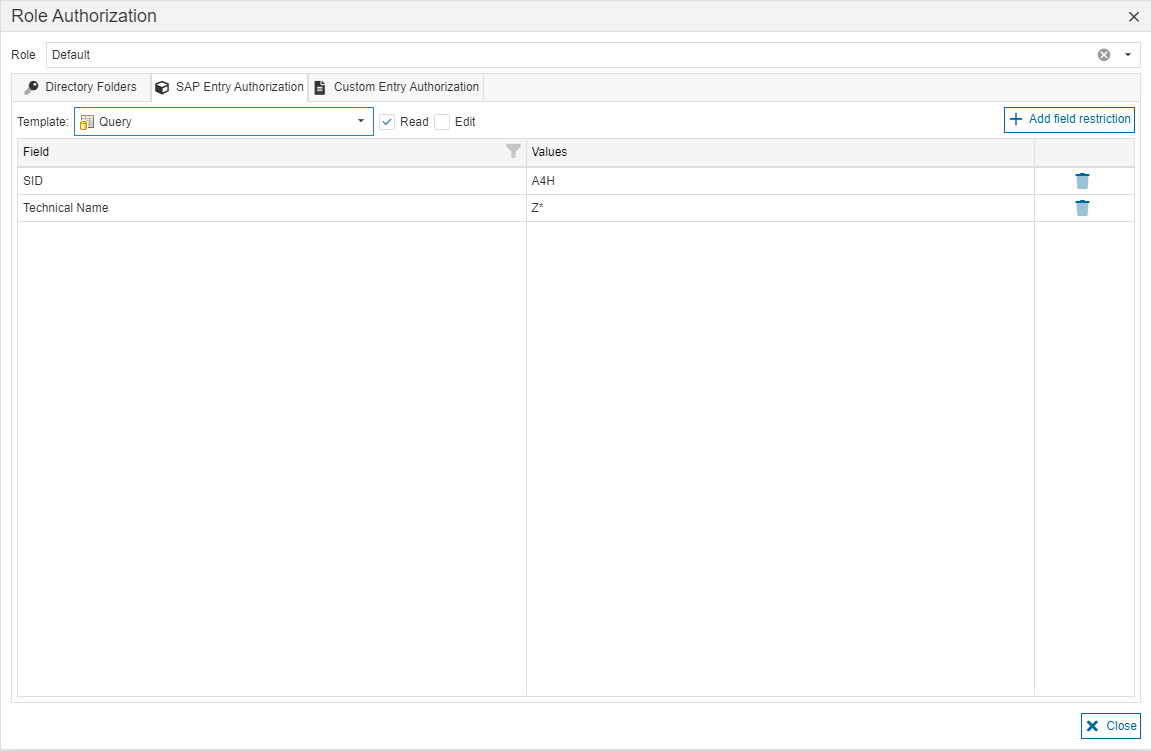
A user with this example role can read (open) entities of SAP Template Query which fulfill the following:
-
The value of field SID contains is “A4H”.
-
The value of field Technical Name starts with “Z”.