Uninstall Performer Suite
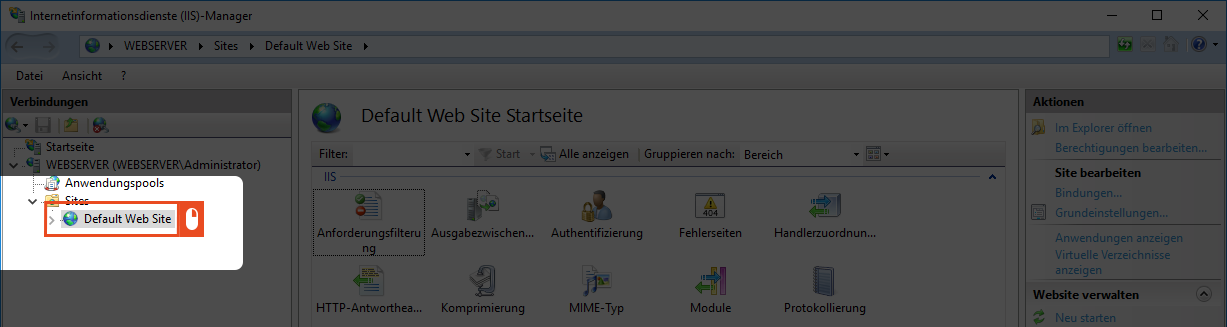
The Enterprise Glossary can be uninstalled from your system very easily. To do this, start your Internet Information Services (IIS) manager and click on the Default Web Site.
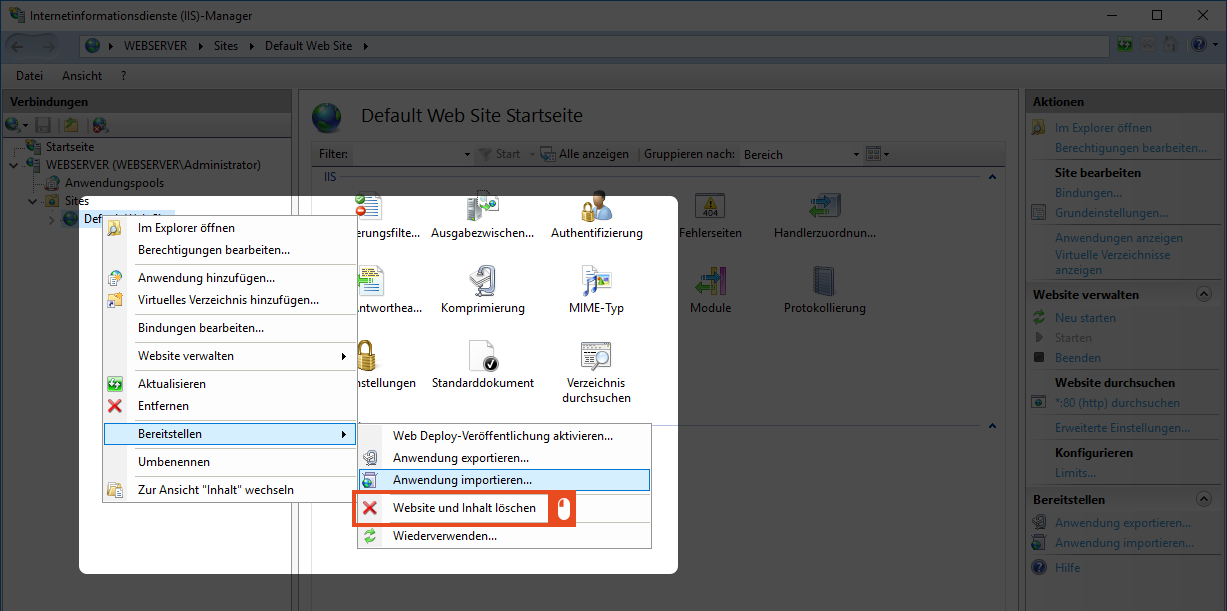
Right-clicking on the menu item will take you to the Deploy function. In the next step, select Delete Website and Content.
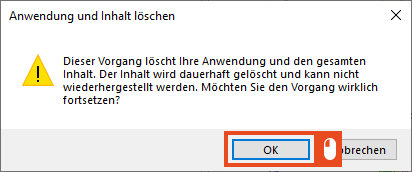
Confirm the subsequent dialog with OK to delete the page.
With this, you have deleted all files and folders.
Delete the Database
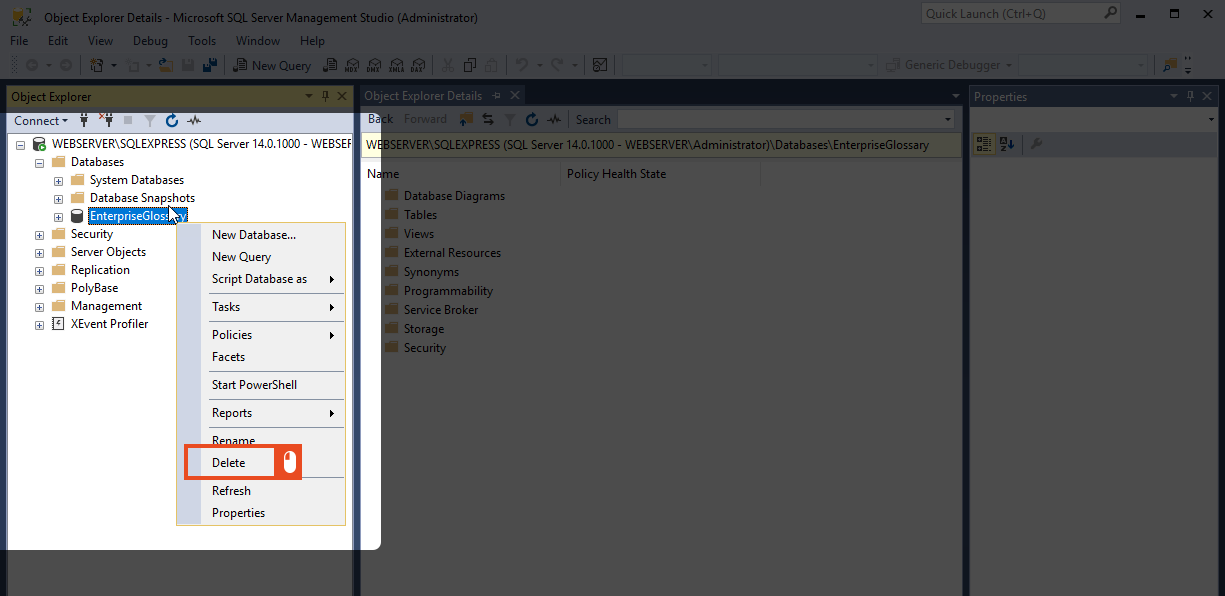
The last step is to delete the database. To do this, start the Microsoft SQL Server Manager and log on to the system with your administrator. Now select the Databases folder and find the name of the database that you assigned during the installation. Then right-click the database name and select Delete in the next step.