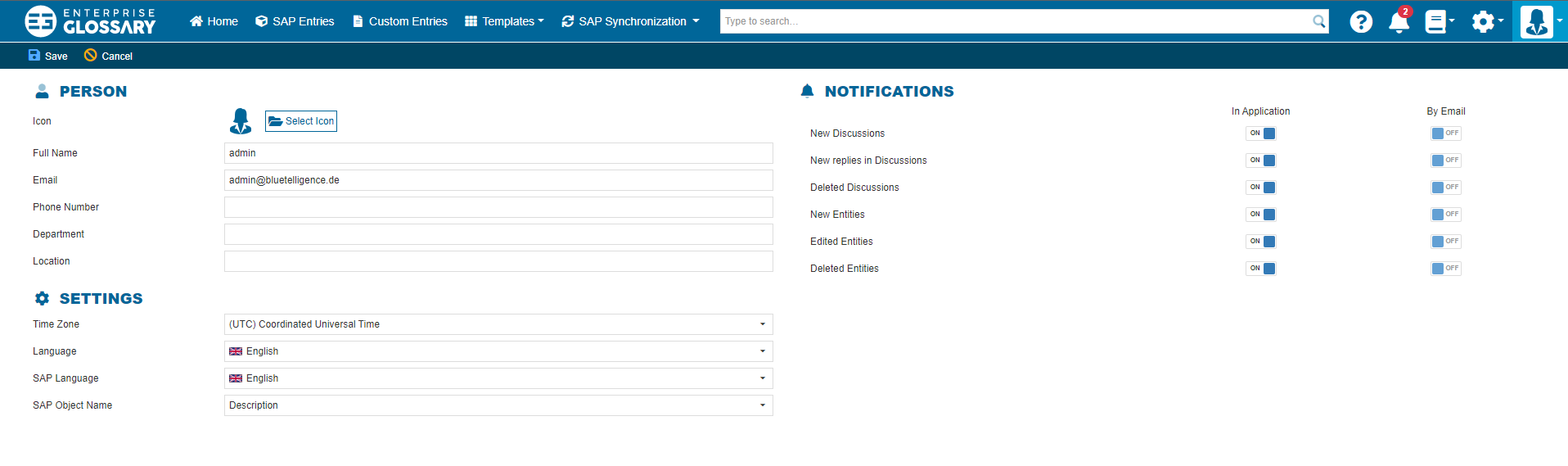
The User Profile can be accessed by clicking the User icon and then User Profile.

By clicking Edit Profile you can edit Personal Details, Settings like time zone and languages, and when and how to receive Notifications.
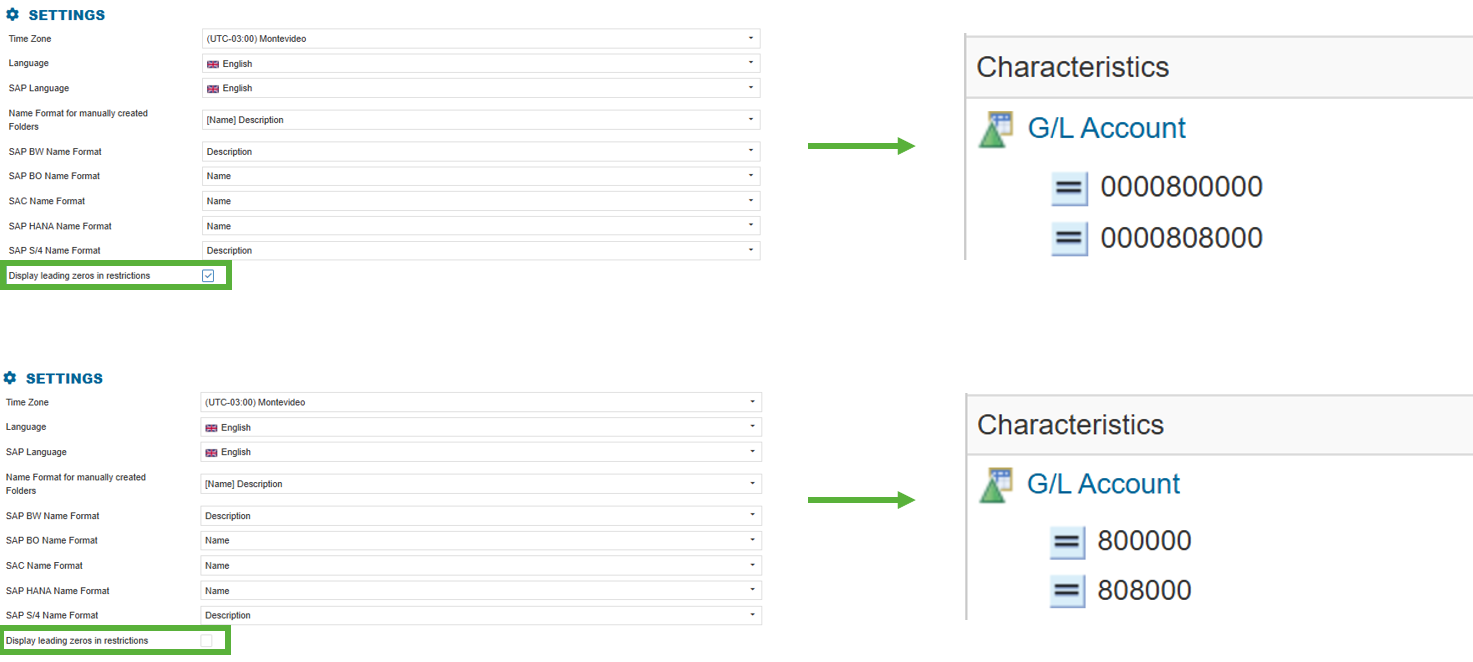
By enabling the ‘Display leading zeros in restrictions’ option in the settings, you can specify whether leading zeros in restrictions are displayed or omitted.
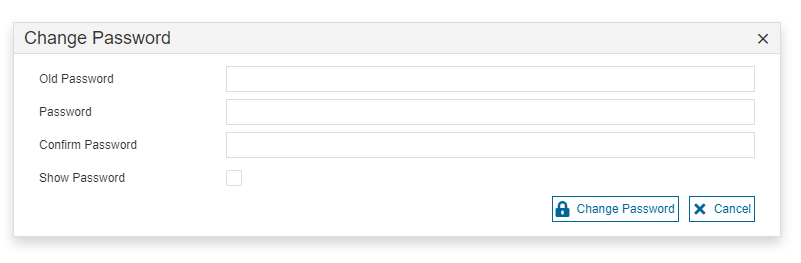
By clicking Set Password, you can change your password.