

Custom Formulas can be created and used to visualize calculations. Formulas can be reused in other formulas. Custom Formulas can be found in the Custom Entities area, in the second tab of the grid.

Create and Edit
Formulas can be newly created by clicking Create Formula and edited by clicking the Edit button in the respective formulas column or when viewing the formula.

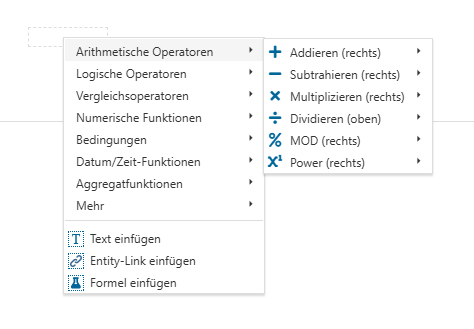
The formula needs a Name and can have a Description. By right-clicking an element in the Formula area, different operators and elements can be added to the formula. The operators can be added either at the right or left side, or in case of a division on the top or the bottom of the element.
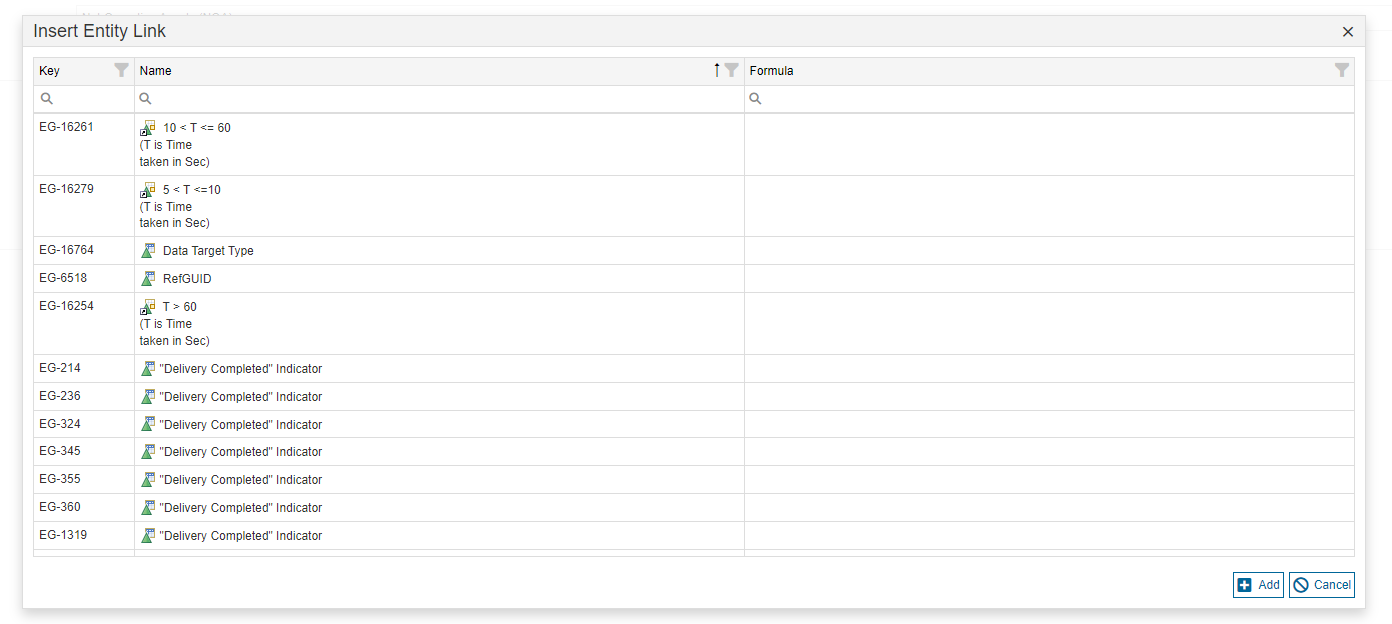
When inserting an Entity Link or another Formula, a pop-up opens in which the entity or formula can be selected.
An operation can be changed by right-clicking the operator and selecting the new operator in the context menu.
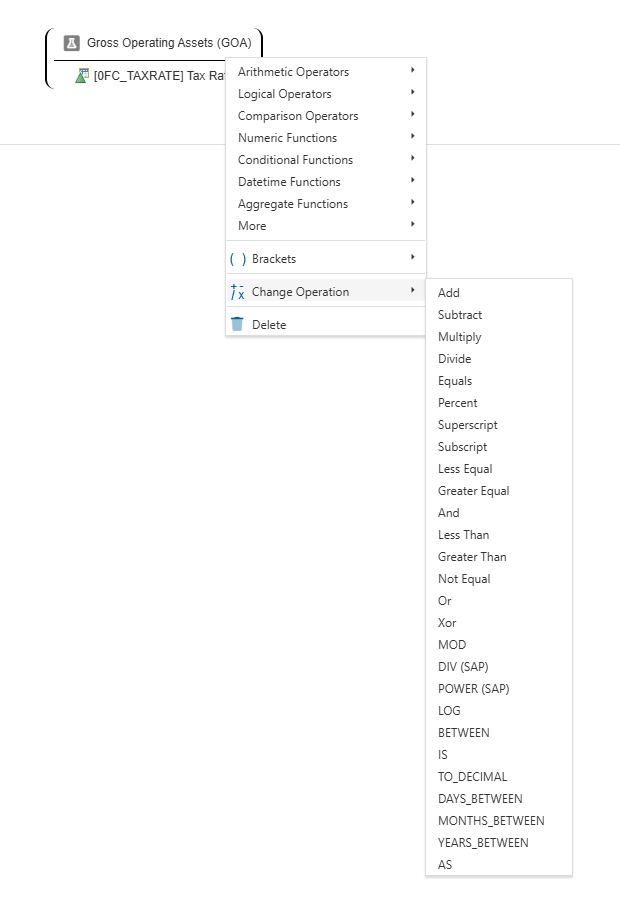
Finally, elements can be deleted by right-clicking them and selecting delete.
For formulas, a draft can be safed or deleted, published or the editing can be canceled, just like entities or templates.
Use Formulas in Entities
Formulas can be used in Entities, by adding the Formula field to a template.
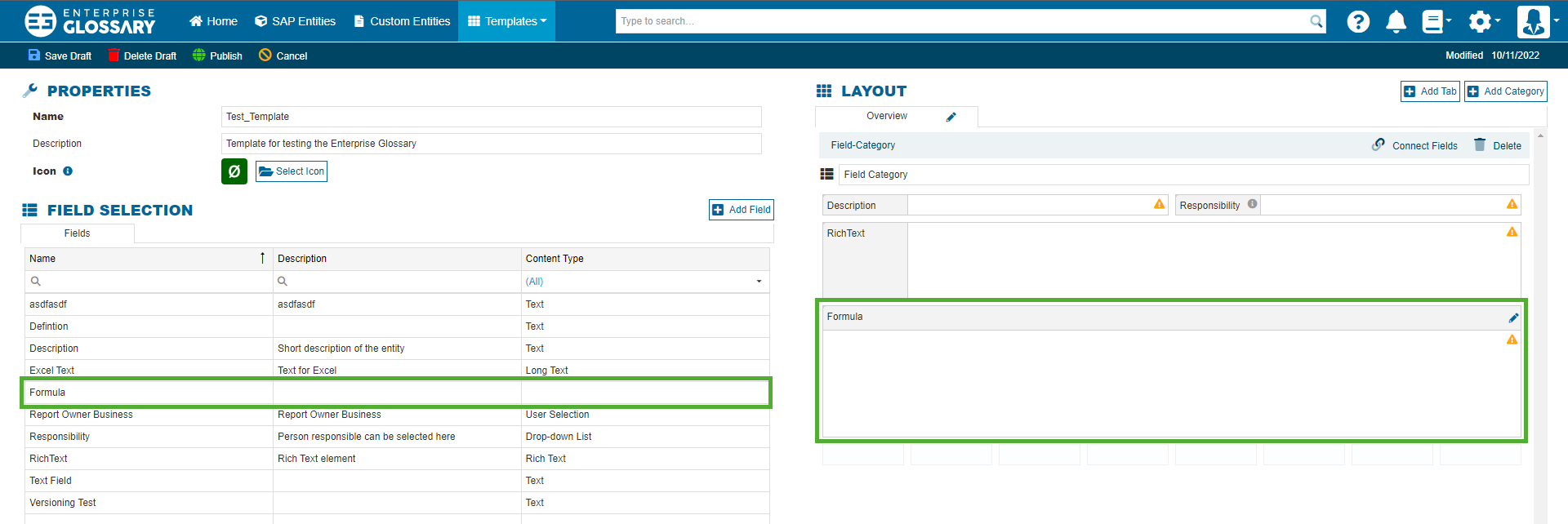
When editing an entity using the template, the formula can then be edited as mentioned above.
Delete
The formulas can be deleted either by pressing the Delete button in the respective formulas column, or when viewing the formula.