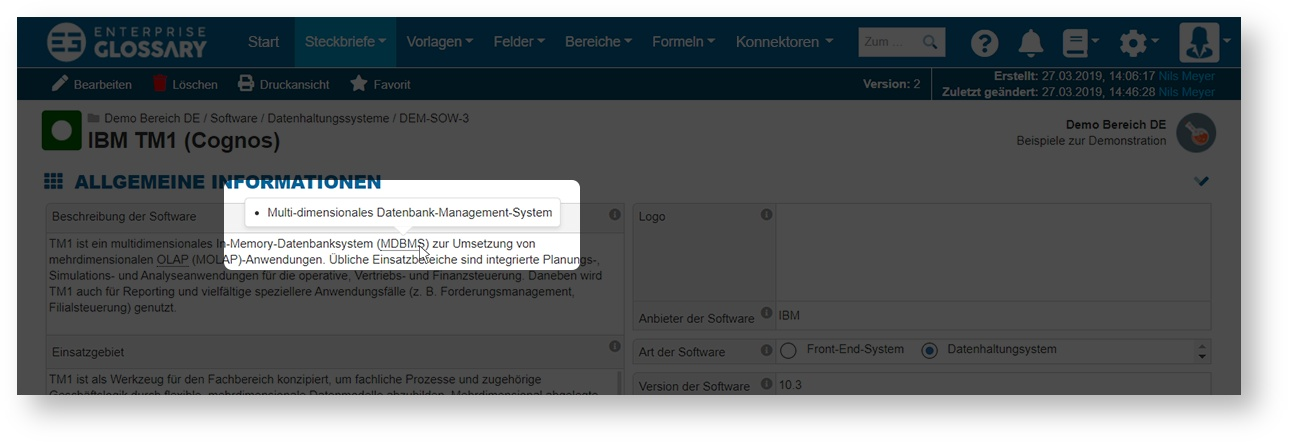
Abbreviations can be maintained for technical terms, these (abbreviations) will be recognized and underlined with dots when used in Entries. You do not have to do anything more than to use the abbreviation in the text. When the mouse is moved over the abbreviation, the stored meanings are displayed.
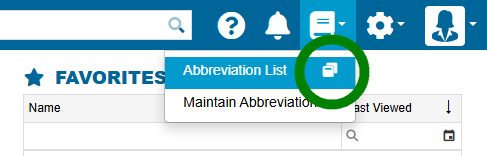
A list of all abbreviations can be found in Abbreviation List.

Maintain Abbreviations
Abbreviations can be created, edited and deleted in Maintain Abbreviations.

Create and Edit Abbreviations
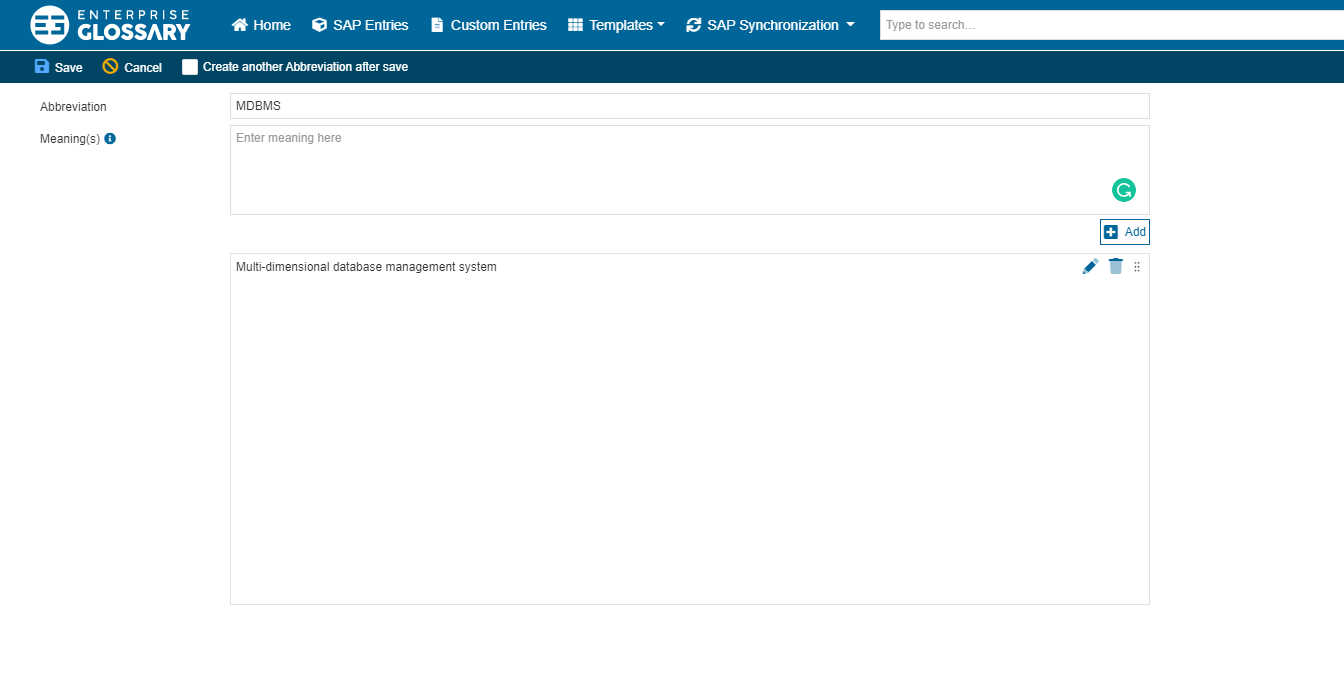
When creating or editing an Abbreviation, you have to enter the abbreviation and at least one meaning. To add a meaning, you have to enter the meaning into the according text field and click the Add button. You can add further meanings after that.
External Access to Abbreviations
The list of abbreviations can also be opened in a separate tab. This list is also reachable from outside Enterprise Glossary without a login.