

The Home area of the Enterprise Glossary provides users with a clear overview of important entries, along with customizable information that administrators can tailor to fit organizational needs.
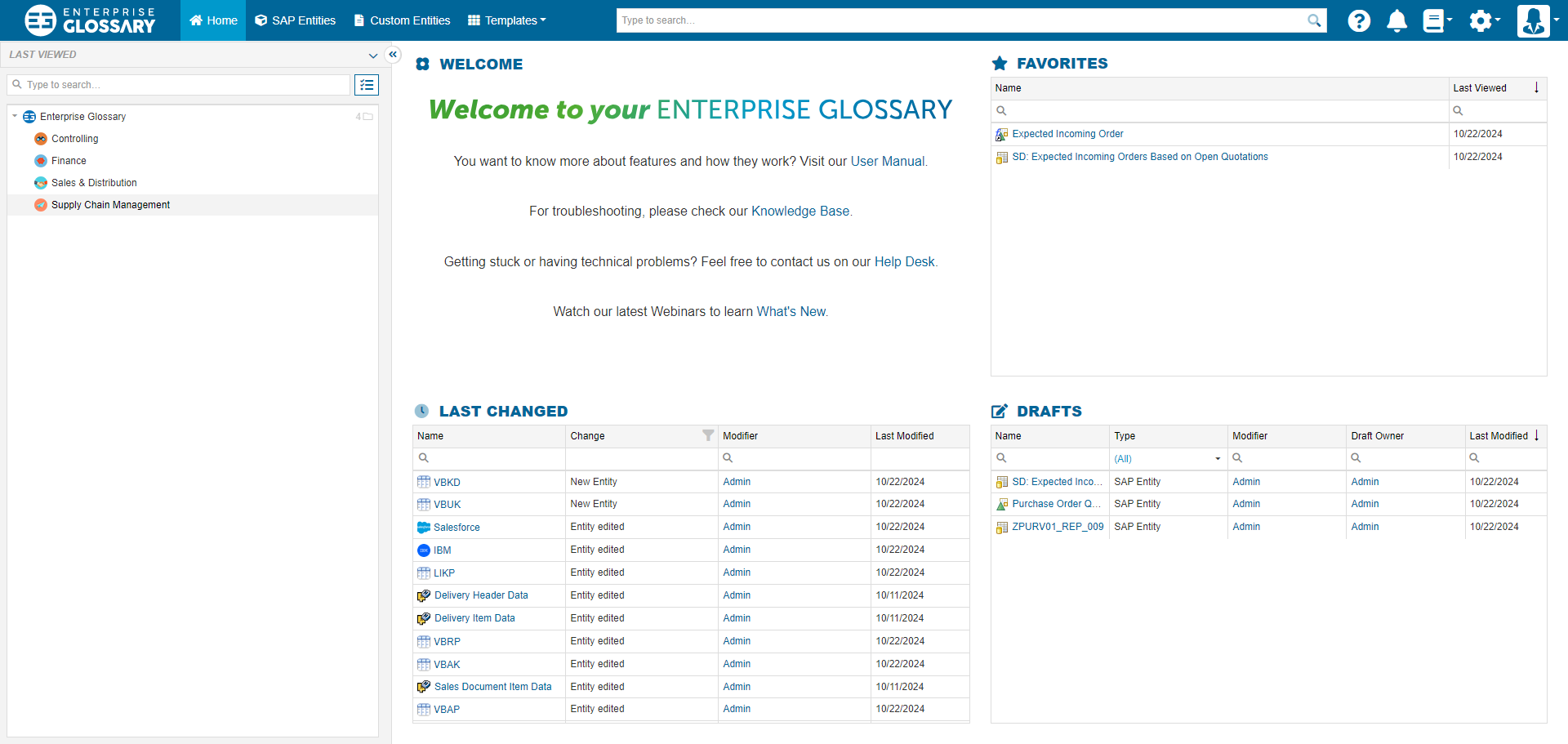
Available Tiles for Enterprise Glossary Users:
|
Tile |
Content |
|---|---|
|
Welcome |
Custom rich text, adjustable by the administrator in the general settings. |
|
Favorites |
Displays entries marked as favorites. Mark entries by clicking the star button to view them here. |
|
Last Changed |
Shows entries recently modified, either manually or via synchronization. |
|
Last Viewed |
Lists entries that have been recently viewed. |
|
Drafts |
Displays custom and SAP entries saved as drafts (available only to authors). |
Customizing the Layout
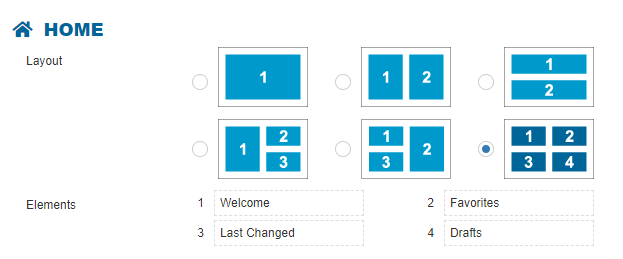
Users can personalize their default layout and choose which tiles to display from their profile settings (Home). The initial tile selection is based on user roles:
Author:
Visitor:
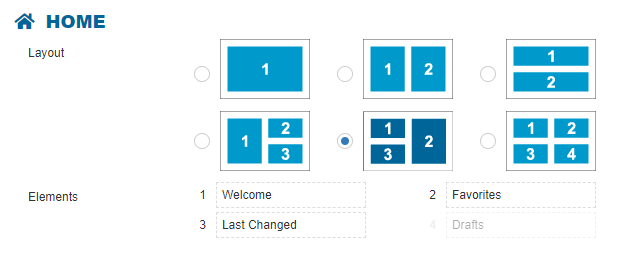
In the Layout section, users can define the number of tiles displayed and their arrangement. Under Elements, users can assign specific content to each tile.
The administrator can update and apply default layouts and tile selections for all users in the general settings.