

The Print View can be executed when the Entity content should be printed or exported to a PDF file.

A window opens in which a print preview is displayed and where you can specify...
-
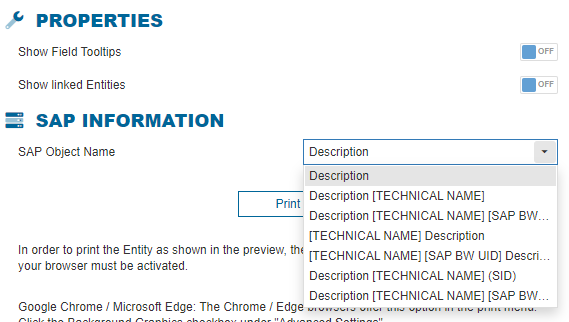
whether to display the tooltips of the fields
-
whether to display the linked entities
-
how the name of the occurring objects should be represented (description, technical name, both, etc.)
When you click on "Print", the standard print dialog of the browser opens and you can proceed with printing or exporting the entity.